




Data Analytics with Power BI - 45 Days Internship Training Program
Join 45 Days Data Analytics with Power BI Internship Training Program at NextVision Infotech. Learn Excel, SQL, Power BI, DAX, dashboards. ₹649 only with certificate.
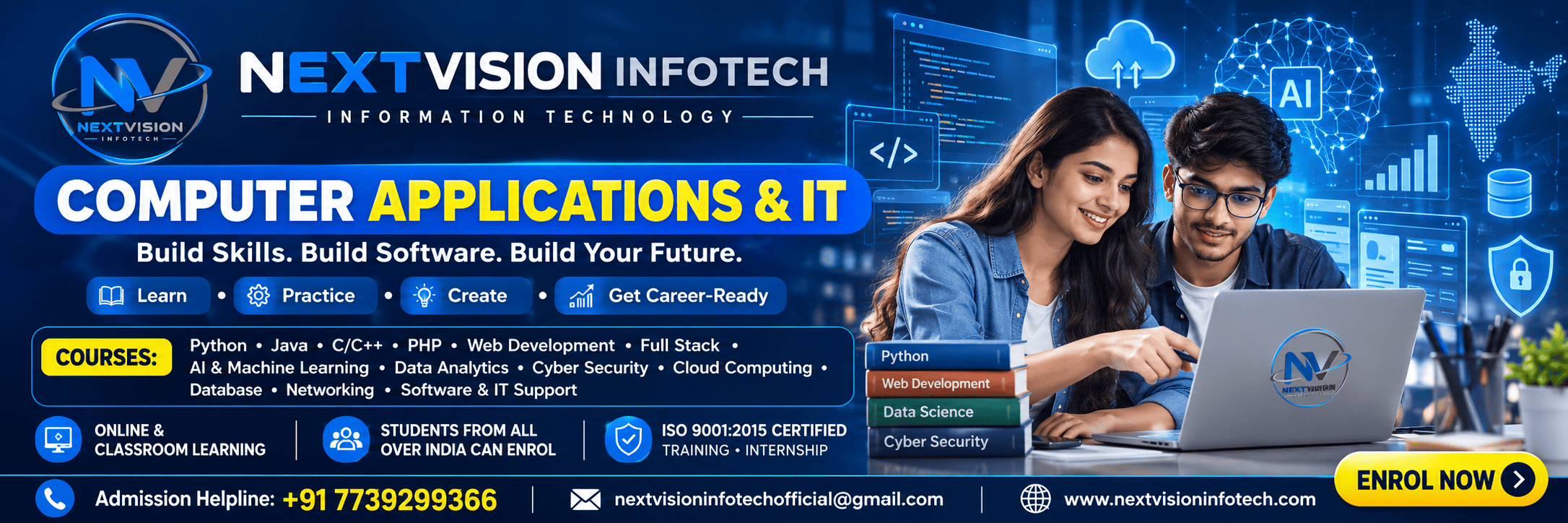
Program Description
Skills You'll Learn
Projects You'll Work On
Complete Data Analytics with Power BI Project
Students will complete a full data analytics project including data collection, data cleaning, data modeling, DAX calculations, dashboard design, data visualization, data storytelling, and complete project documentation as per industry standards.
Program Modules
W1: Week 1: Data Analytics Fundamentals and Excel
Introduction to data analytics, types of analytics - descriptive, diagnostic, predictive, prescriptive, data analytics lifecycle, data types, data sources, data quality, data cleaning, Excel fundamentals, Excel interface, formulas and functions, lookup functions - VLOOKUP, HLOOKUP, INDEX-MATCH, XLOOKUP, logical functions - IF, AND, OR, nested IF, text functions, date functions, math functions, statistical functions, pivot tables, pivot charts, slicers, conditional formatting, data validation, what-if analysis, power query in Excel, power pivot in Excel.
W2: Week 2: SQL for Data Analytics
Introduction to databases, relational database concepts, SQL fundamentals, SELECT statement, WHERE clause, ORDER BY, GROUP BY, HAVING, JOINs - inner join, left join, right join, full join, cross join, self join, subqueries, correlated subqueries, CTEs (Common Table Expressions), window functions - ROW_NUMBER, RANK, DENSE_RANK, LAG, LEAD, aggregate functions - SUM, AVG, COUNT, MIN, MAX, string functions, date functions, case statements, unions, intersections, data manipulation - INSERT, UPDATE, DELETE, data definition - CREATE, ALTER, DROP, views, stored procedures, database design, normalization, indexing, query optimization.
W3: Week 3: Power BI Fundamentals and Data Modeling
Introduction to Power BI, Power BI Desktop, Power BI Service, Power BI Mobile, Power BI architecture, connecting to data sources - Excel, CSV, SQL Server, MySQL, PostgreSQL, Oracle, SharePoint, web, APIs, Power Query, data transformation, data cleaning, data profiling, combining queries, appending queries, merging queries, data modeling, star schema, snowflake schema, relationships, cardinality, cross-filter direction, calculated columns, calculated tables, date tables, hierarchies, role-playing dimensions, inactive relationships, data model optimization.
W4: Week 4: DAX and Advanced Calculations
Introduction to DAX, DAX syntax, DAX data types, DAX operators, calculated columns vs measures, evaluation contexts - row context, filter context, context transition, DAX functions - aggregate functions (SUM, AVERAGE, COUNT, MIN, MAX), iterator functions (SUMX, AVERAGEX, COUNTX), filter functions (CALCULATE, FILTER, ALL, ALLEXCEPT, REMOVEFILTERS), time intelligence functions (TOTALYTD, SAMEPERIODLASTYEAR, DATEADD, DATESYTD), relationship functions (RELATED, RELATEDTABLE, USERELATIONSHIP), ranking functions, statistical functions, text functions, date functions, DAX variables, DAX best practices, DAX performance optimization.
W5: Week 5: Data Visualization, Dashboard Design, and Live Projects
Data visualization principles, chart selection, bar charts, column charts, line charts, area charts, pie charts, donut charts, scatter charts, bubble charts, waterfall charts, funnel charts, gauge charts, KPI cards, maps, filled maps, shape maps, treemaps, matrix visuals, table visuals, slicers, filters, bookmarks, buttons, navigation, drill-through, drill-down, custom visuals, R visuals, Python visuals, dashboard design principles, layout design, color theory, accessibility, mobile layout, dashboard storytelling, live projects - sales dashboard, HR dashboard, financial dashboard, marketing dashboard, complete documentation.
W6: Week 6: Data Storytelling, Documentation, Viva, and Certification
Data storytelling fundamentals, narrative structure, data-driven storytelling, presenting insights, executive summaries, report design, report publishing, Power BI Service, workspaces, apps, dashboards, scheduled refresh, row-level security, data alerts, subscriptions, Power BI embedded, Power BI premium, project documentation, resume building, interview preparation, viva-voce examination, feedback session, certificate distribution.
Key Features
What You'll Learn
Examination Details
| Exam Name | Full Marks | Pass Marks |
|---|---|---|
| Module-wise Assessment | 100 | 40 |
| Project Evaluation | 100 | 50 |
| Final Presentation | 50 | 25 |
| Viva-Voce | 50 | 25 |
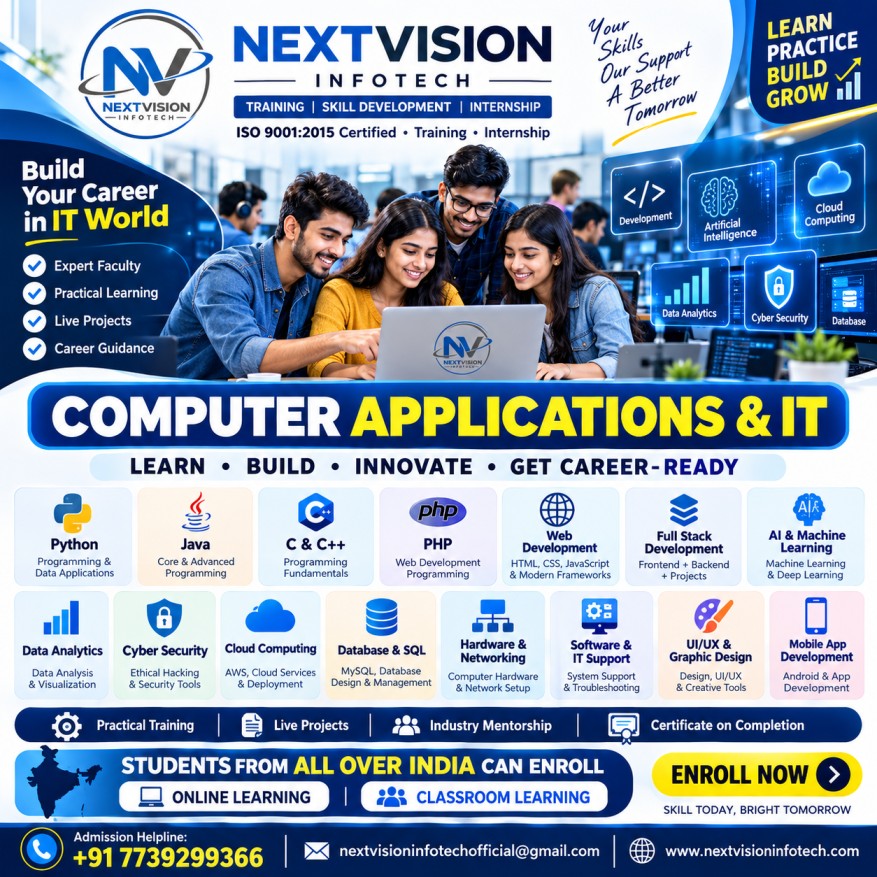
Internship Details
Prerequisites
- Pursuing or completed B.Tech/B.E./BCA/MCA/B.Sc. in any discipline
- Basic knowledge of Excel
- Basic computer knowledge
- Interest in data analytics
Who Can Enroll ?
- B.Tech students (1st to 8th semester)
- B.E. students
- BCA students (1st to 6th semester)
- MCA students
- B.Sc. students
- B.Com students
- Data analytics aspirants
- Working professionals wanting to upskill
- Students from all over India seeking practical training
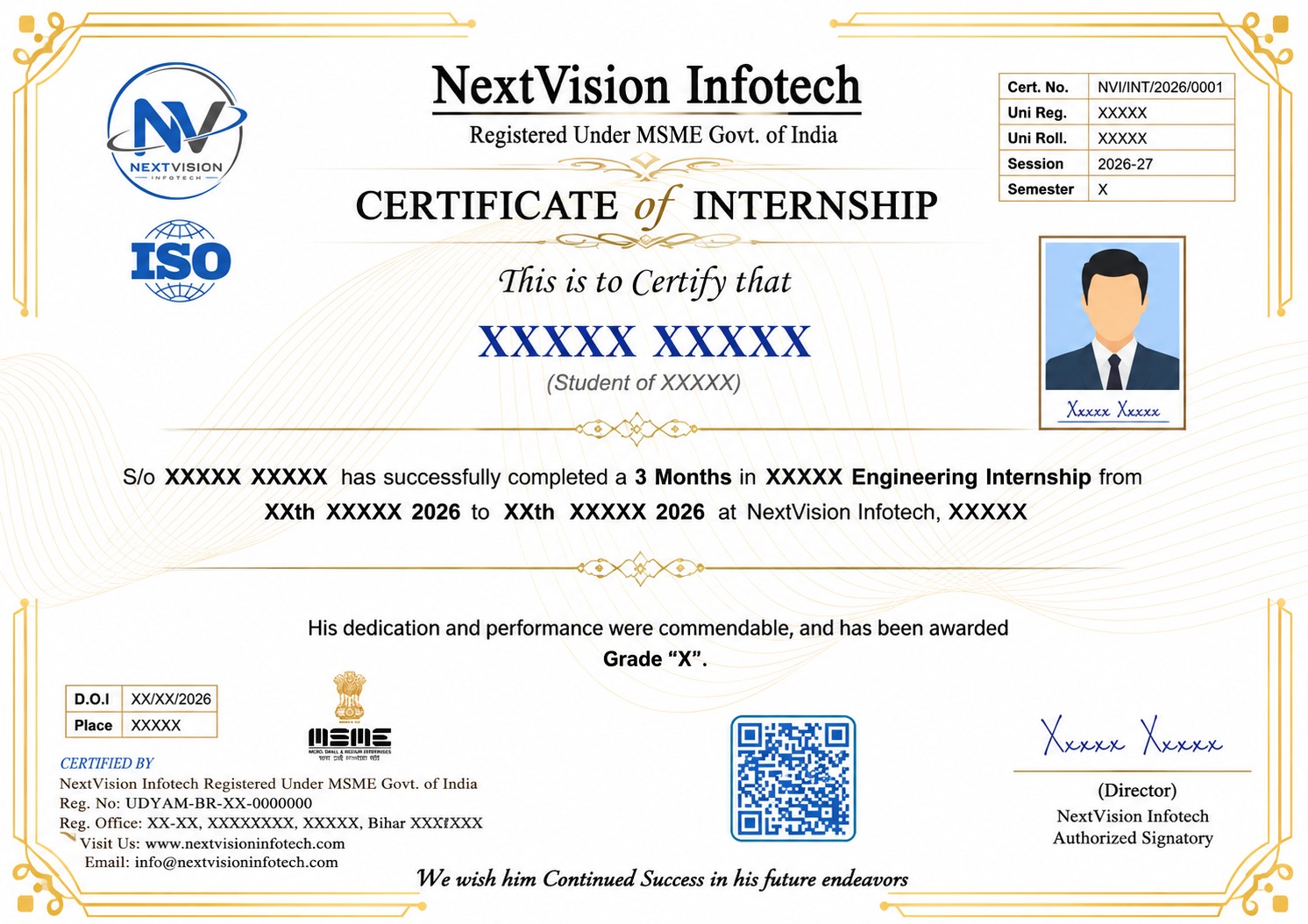
Certificate Preview
Related Internships
You might also be interested in these
Machine Learning with Python - 45 Days Internship Training Program
Join 45 Days Machine Learning with Python Internship Tr...
Generative AI - 45 Days Internship Training Program
Join 45 Days Generative AI Internship Training Program...
Deep Learning - 45 Days Internship Training Program
Join 45 Days Deep Learning Internship Training Program...
AI & Machine Learning - 15 Days Internship Training Program
Join 15 Days AI & Machine Learning Internship Training...
Our Students Did It! 🎉 Certified & Proud
A big congratulations to our students who recently completed their courses and earned their certificates. Here's what they have to say! 🎓

Satyam Kumar
Internship Program
"Best decision I ever made! The teaching quality and practical training helped me land my dream job. Highly recommended! 🌟"

Ajit Kumar Pal
Internship Program
"Amazing experience! The mentors are super supportive and the course content is industry-ready. Got my certificate with confidence! 💯"

THAVA KHISHORE RAM M
Internship Program
"NVI Gaya changed my career path completely. Practical projects, real-world skills, and expert guidance — everything was perfect! 🚀"

Abhay Kumar
Internship Program
"Learned so much in such a short time. The internship gave me real experience and confidence to face interviews. Thank you NVI! 🙏"

Parveen Kumar
Internship Program
"From zero to hero — that's how I feel after completing this course. The staff is friendly and always ready to help! ⭐"

Sanjali kumari
Internship Program
"Excellent learning environment with hands-on training. I got placed right after completing my course. Forever grateful! 🎓"

DASARI DEEPIKA
Internship Program
"The best institute in Gaya for computer courses. Practical knowledge, live projects, and job-ready skills — worth every rupee! 💎"

AYAN PAL
Internship Program
"Small batch sizes meant personal attention. My mentor guided me at every step. Truly a life-changing experience! ✨"

Mukkamula Navya sri
Internship Program
"Best decision I ever made! The teaching quality and practical training helped me land my dream job. Highly recommended! 🌟"

SHREEDHAR K R
Internship Program
"Amazing experience! The mentors are super supportive and the course content is industry-ready. Got my certificate with confidence! 💯"

Divyanshu Raj
Internship Program
"NVI Gaya changed my career path completely. Practical projects, real-world skills, and expert guidance — everything was perfect! 🚀"

PRAYASHI KARMAKAR
Internship Program
"Learned so much in such a short time. The internship gave me real experience and confidence to face interviews. Thank you NVI! 🙏"

Vel Murugan V
Internship Program
"From zero to hero — that's how I feel after completing this course. The staff is friendly and always ready to help! ⭐"

Kaushal Kumar
Internship Program
"Excellent learning environment with hands-on training. I got placed right after completing my course. Forever grateful! 🎓"

Aryan Kumar
Internship Program
"The best institute in Gaya for computer courses. Practical knowledge, live projects, and job-ready skills — worth every rupee! 💎"
Our Certificate Samples
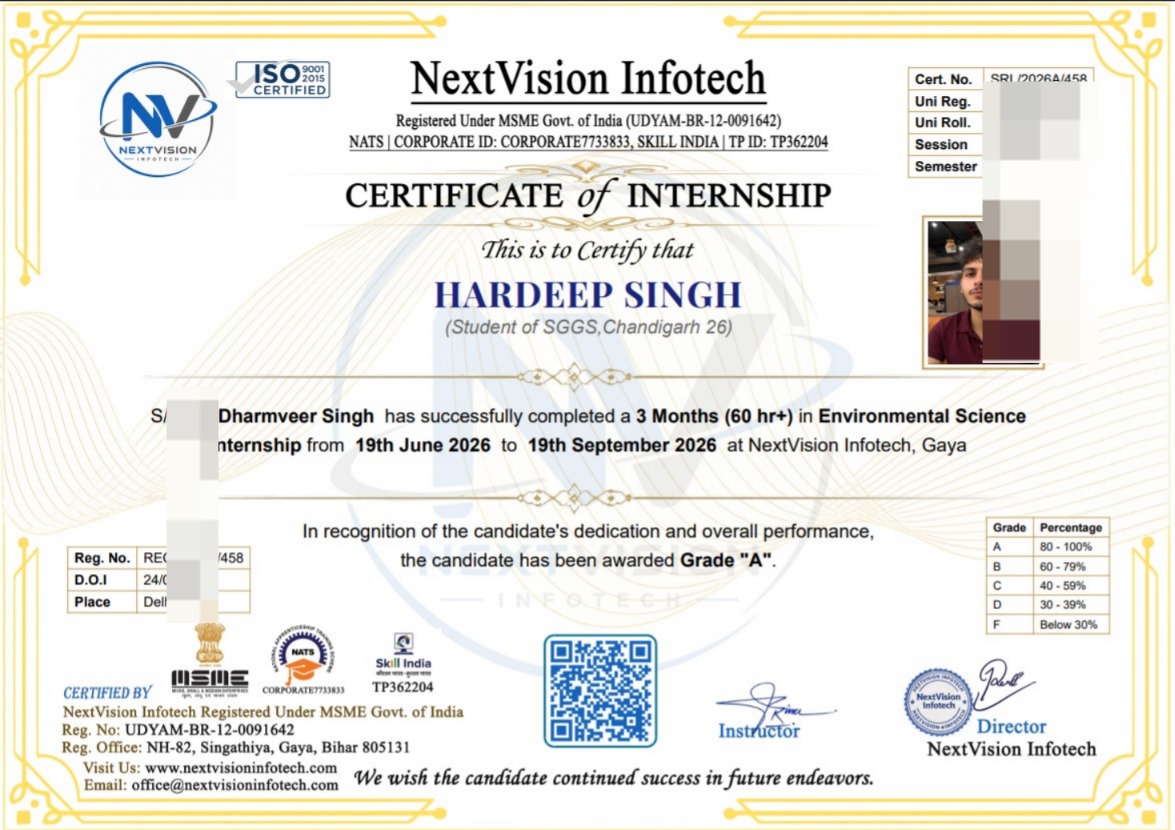
Internship Certificate
Tap to view
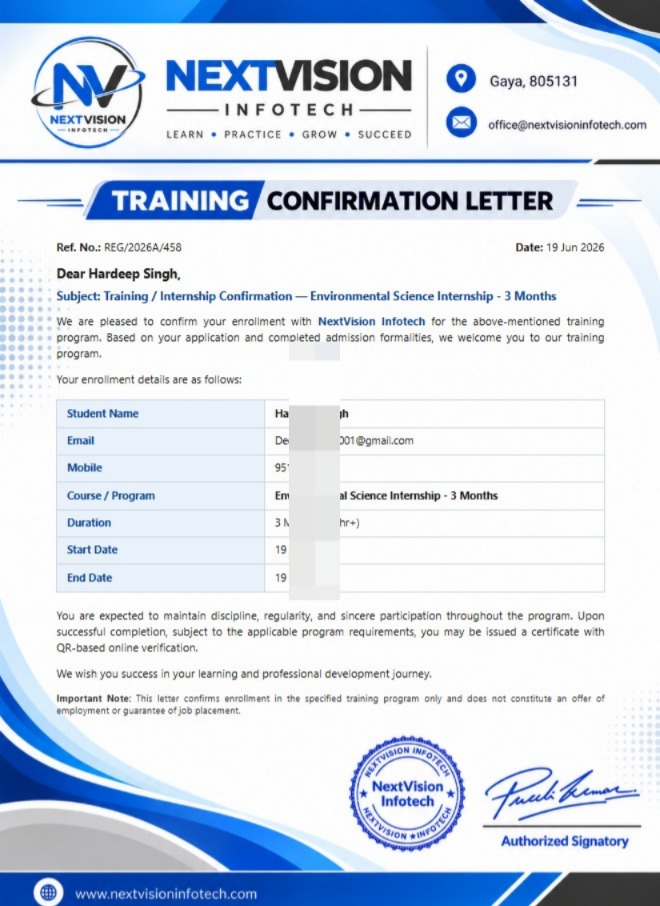
Joining Letter
Tap to view
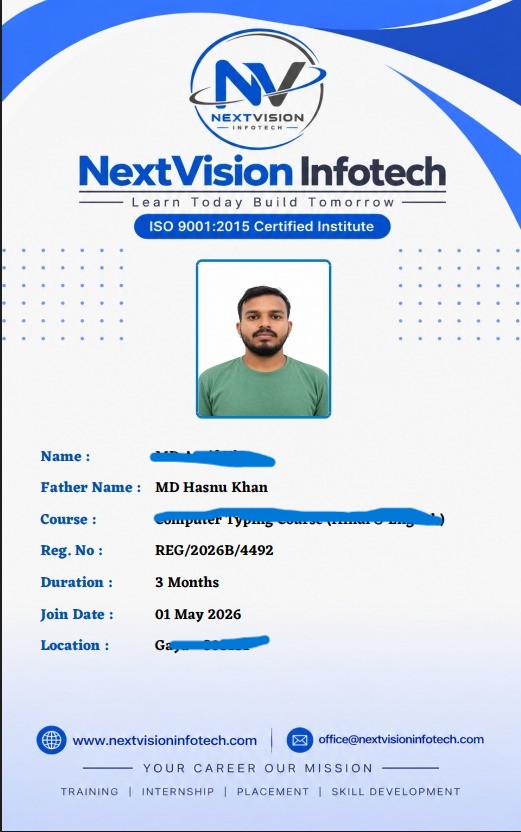
Student ID Card
Tap to view
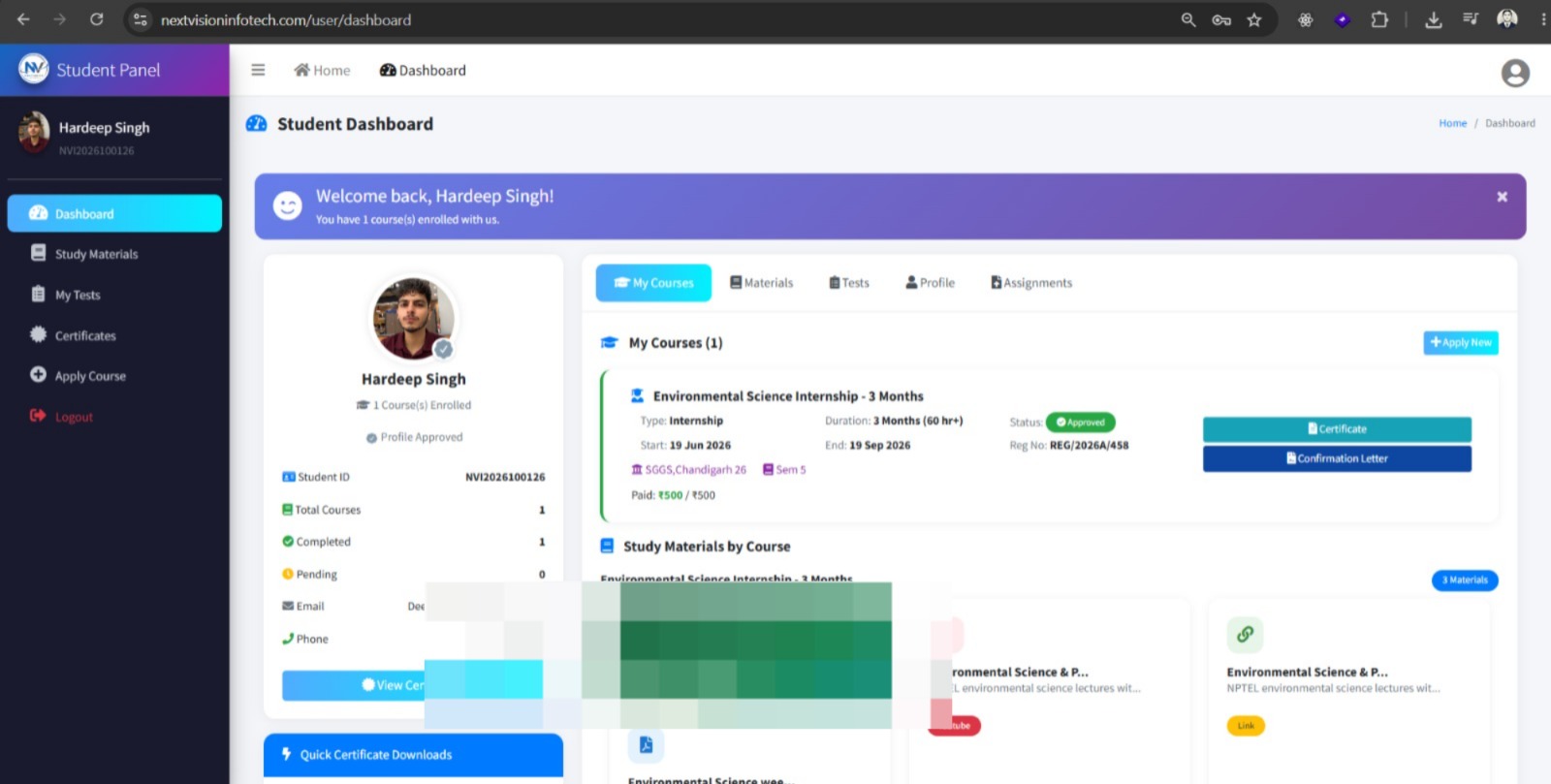
Student Panel
Tap to view
All certificates are issued by NextVision Infotech & are verifiable upon request.
Ready to Start Your Journey?
Take the first step towards your dream career with our internship programs