



Revit Architecture & BIM - 45 Days Internship Training Program
Join 45 Days Revit Architecture & BIM Internship Training Program at NextVision Infotech. Learn 3D modeling, families, schedules, rendering, BIM. ₹649 only with certificate.
Program Description
Skills You'll Learn
Projects You'll Work On
Complete Revit Architecture & BIM Project
Students will complete a full BIM project including 3D architectural modeling, family creation, schedules, annotations, rendering, construction documents, and complete BIM documentation as per industry standards.
Program Modules
W1: Week 1: Revit Interface and Project Setup
Introduction to BIM and Revit, interface overview, ribbon, project browser, properties palette, project setup, levels, grids, reference planes, units, project templates, worksharing, linking CAD files, importing and exporting, Revit families overview.
W2: Week 2: Basic Modeling Tools
Walls (basic, stacked, curtain), doors, windows, floors, ceilings, roofs (flat, pitched), stairs, ramps, railings, columns (architectural, structural), beams, foundations, openings, shafts, model lines, model text, creating and modifying elements, constraints.
W3: Week 3: Advanced Modeling and Families
Advanced wall modeling, wall sweeps, reveals, curtain walls and mullions, complex roofs, roof by extrusion, dormers, skylights, stairs by component, custom stairs, railings, ramps, family creation - parametric families, nested families, shared parameters, type catalog, family templates, loading and editing families.
W4: Week 4: Schedules and Annotations
Schedule creation, door schedules, window schedules, room schedules, material takeoff, sheet lists, view lists, key schedules, calculated values, filters, sorting, grouping, dimensions, text, tags, keynotes, material tags, room tags, area tags, legends, revision clouds, revision schedules.
W5: Week 5: Rendering, Sheets, and Live BIM Projects
Materials and textures, lighting, rendering settings, cloud rendering, walkthroughs, solar studies, shadows, sheets and title blocks, viewports, printing, exporting to CAD and PDF, live BIM projects - residential building, commercial building, interior design, complete BIM documentation.
W6: Week 6: Documentation, Viva, and Certification
Project documentation, BIM standards, LOD (Level of Detail), COBie, clash detection basics, Navisworks overview, project review, resume building, interview preparation, viva-voce examination, feedback session, certificate distribution.
Key Features
What You'll Learn
Examination Details
| Exam Name | Full Marks | Pass Marks |
|---|---|---|
| Module-wise Assessment | 100 | 40 |
| Project Evaluation | 100 | 50 |
| Final Presentation | 50 | 25 |
| Viva-Voce | 50 | 25 |
Internship Details
Prerequisites
- Pursuing or completed B.Tech/B.E./Diploma in Civil Engineering or Architecture
- Basic knowledge of engineering drawing
- Basic computer knowledge
- Interest in BIM and architectural design
Who Can Enroll ?
- B.Tech Civil Engineering students (1st to 8th semester)
- B.E. Civil Engineering students
- B.Arch students
- Diploma Civil Engineering students (1st to 6th semester)
- Polytechnic students
- Civil engineering freshers
- Working professionals wanting to upskill
- Students from all over India seeking practical training
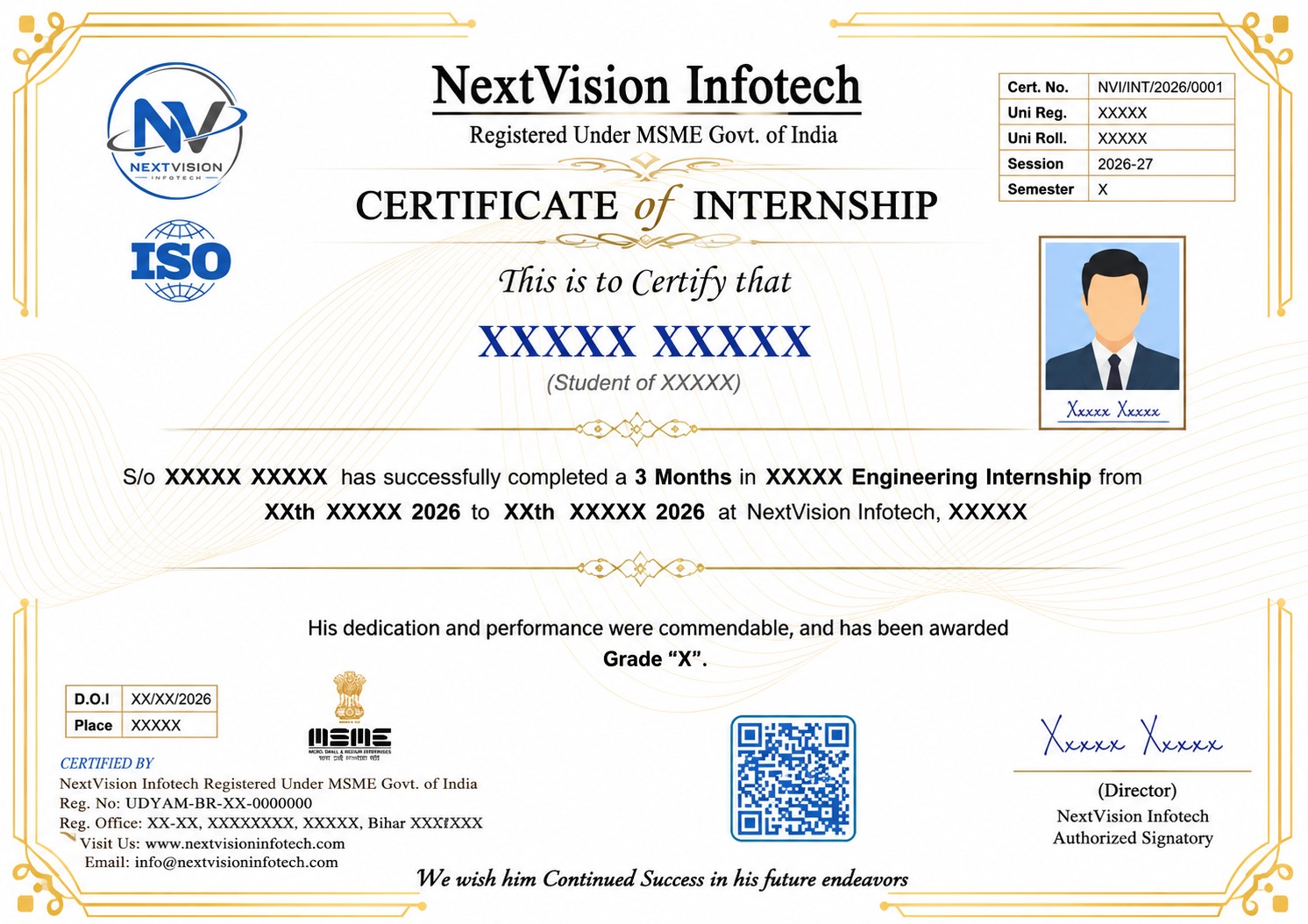
Certificate Preview
Related Internships
You might also be interested in these
Civil Engineering Internship - 1 Month
Civil Engineering Internship in Patna Bihar - 1 Month ₹...
Civil Engineering Industrial Training - 3 Months
Civil Engineering Industrial Training in Patna Bihar -...
AutoCAD Civil Internship - 1 Month
AutoCAD Civil Internship in Patna Bihar - 1 Month ₹399....
Our Students Did It! 🎉 Certified & Proud
A big congratulations to our students who recently completed their courses and earned their certificates. Here's what they have to say! 🎓
Vishal kumar
Internship Program
"Best decision I ever made! The teaching quality and practical training helped me land my dream job. Highly recommended! 🌟"

Om Prakash Singh
Internship Program
"Amazing experience! The mentors are super supportive and the course content is industry-ready. Got my certificate with confidence! 💯"

RAM LAYAK PRASAD
Course Program
"NVI Gaya changed my career path completely. Practical projects, real-world skills, and expert guidance — everything was perfect! 🚀"

MOHAMED ASHIK S
Internship Program
"Learned so much in such a short time. The internship gave me real experience and confidence to face interviews. Thank you NVI! 🙏"

MUTHUKUMAARAN S
Internship Program
"From zero to hero — that's how I feel after completing this course. The staff is friendly and always ready to help! ⭐"

Abhinav Kumar
Internship Program
"Excellent learning environment with hands-on training. I got placed right after completing my course. Forever grateful! 🎓"

Vel Murugan V
Internship Program
"The best institute in Gaya for computer courses. Practical knowledge, live projects, and job-ready skills — worth every rupee! 💎"

Mowneshwaran s
Internship Program
"Small batch sizes meant personal attention. My mentor guided me at every step. Truly a life-changing experience! ✨"
Harsh Raj
Internship Program
"Best decision I ever made! The teaching quality and practical training helped me land my dream job. Highly recommended! 🌟"
Abhishek kumar
Internship Program
"Amazing experience! The mentors are super supportive and the course content is industry-ready. Got my certificate with confidence! 💯"
Prakalya T M
Internship Program
"NVI Gaya changed my career path completely. Practical projects, real-world skills, and expert guidance — everything was perfect! 🚀"

Satyam Kumar
Internship Program
"Learned so much in such a short time. The internship gave me real experience and confidence to face interviews. Thank you NVI! 🙏"

MANAV PRATIM DUTTA
Course Program
"From zero to hero — that's how I feel after completing this course. The staff is friendly and always ready to help! ⭐"
Rama Kumari
Course Program
"Excellent learning environment with hands-on training. I got placed right after completing my course. Forever grateful! 🎓"

Amogh Raj Singh
Internship Program
"The best institute in Gaya for computer courses. Practical knowledge, live projects, and job-ready skills — worth every rupee! 💎"
Our Certificate Samples
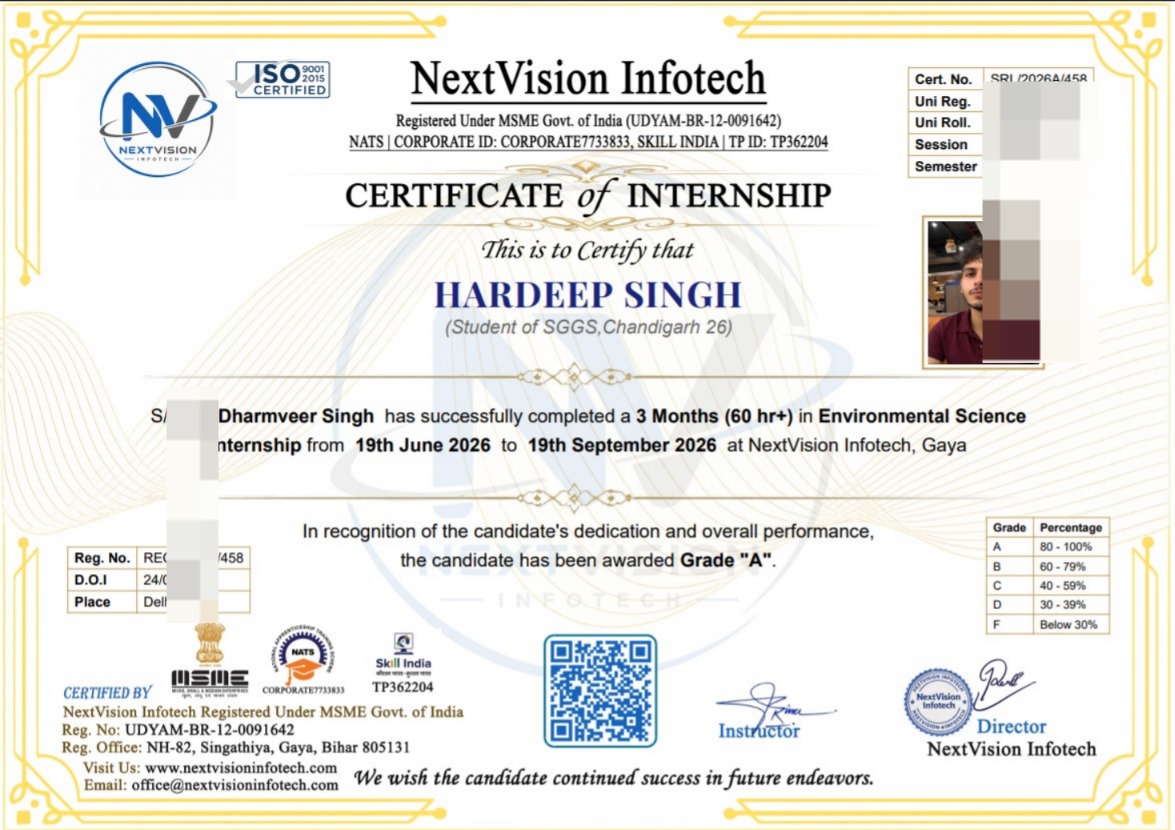
Internship Certificate
Tap to view
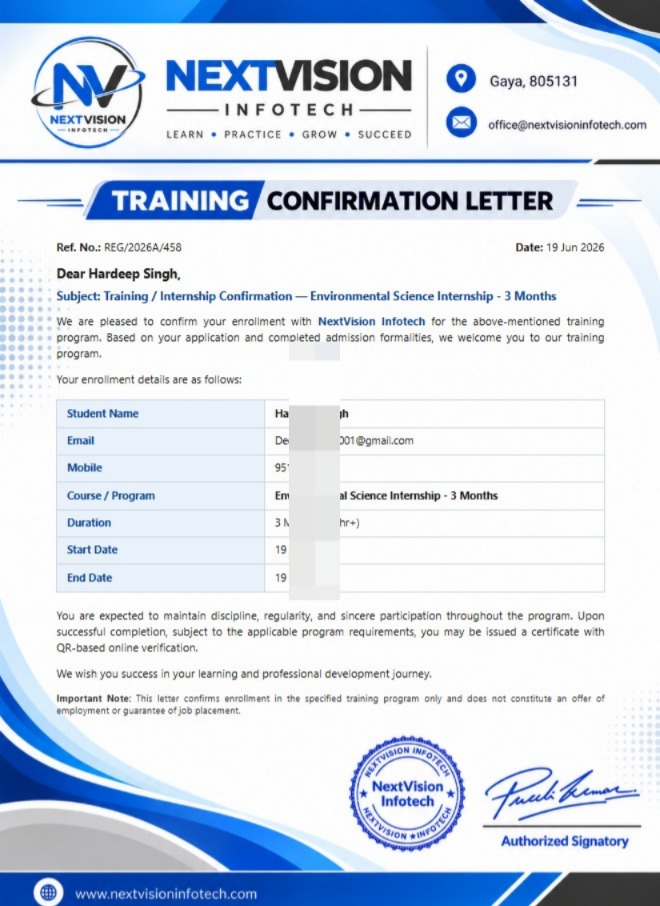
Joining Letter
Tap to view
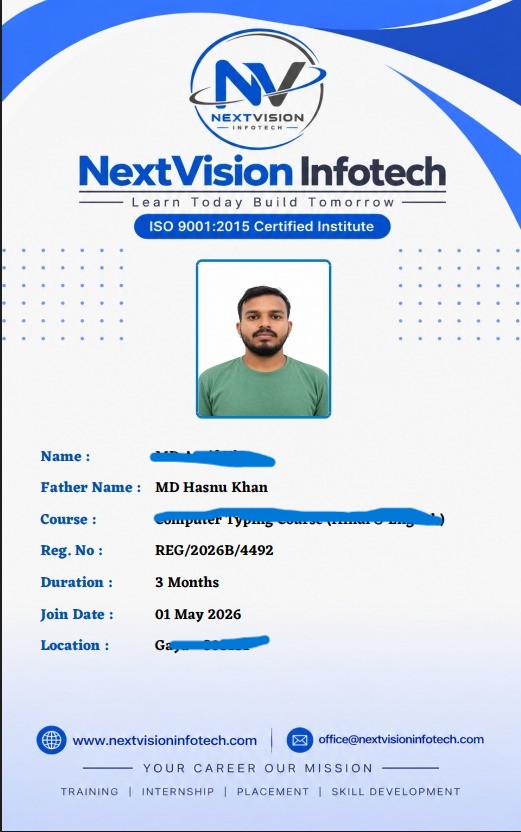
Student ID Card
Tap to view
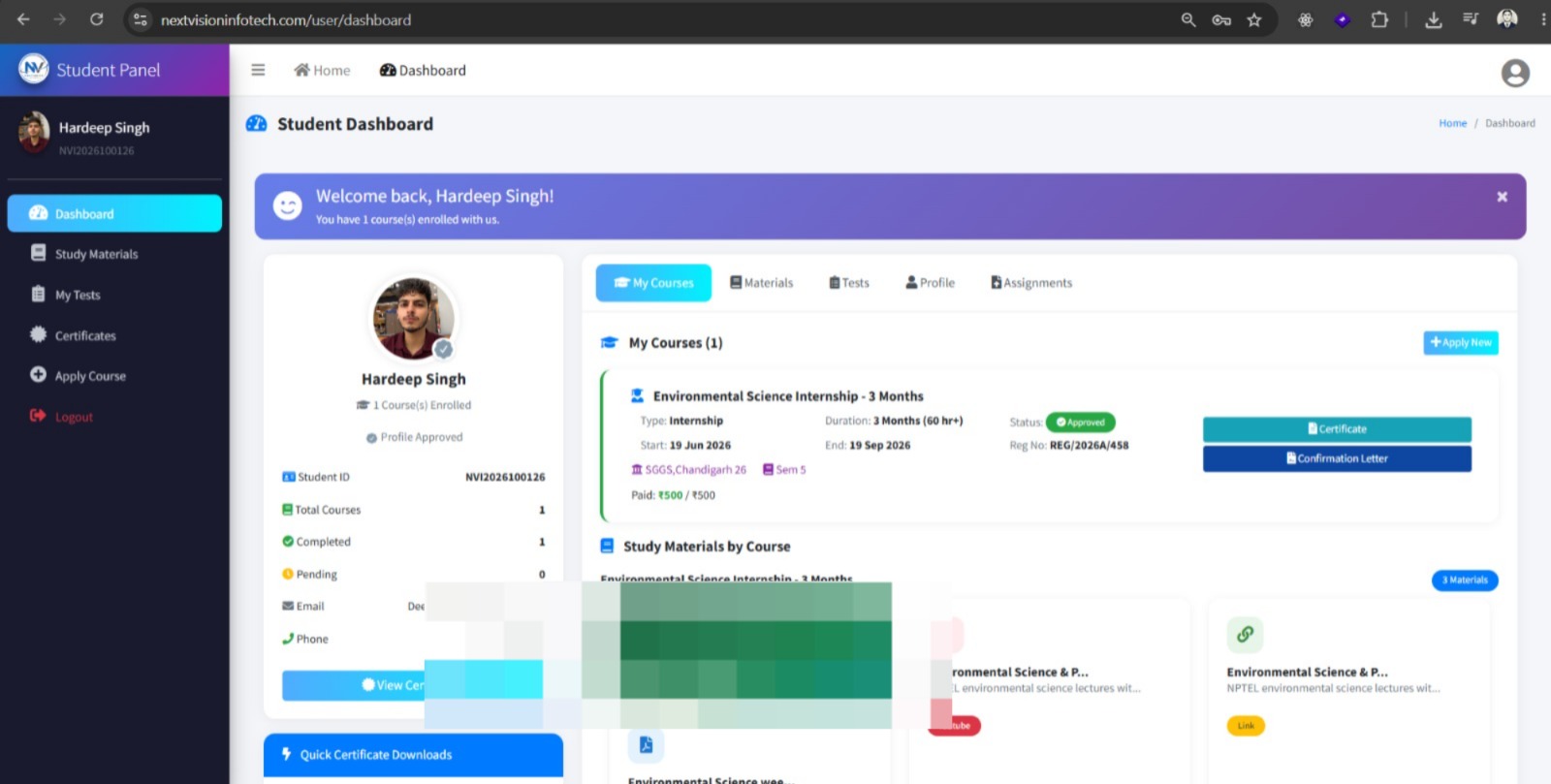
Student Panel
Tap to view
All certificates are issued by NextVision Infotech & are verifiable upon request.
Ready to Start Your Journey?
Take the first step towards your dream career with our internship programs