




AutoCAD 2D Drafting - 45 Days Internship Training Program
Join 45 Days AutoCAD 2D Drafting Internship Training Program at NextVision Infotech. Learn drawing, editing, layers, dimensioning, plotting. ₹649 only with certificate.
Program Description
Skills You'll Learn
Projects You'll Work On
Complete AutoCAD 2D Drafting Project
Students will complete a full AutoCAD 2D drafting project including architectural floor plans, elevations, sections, structural layouts, working drawings, and complete drawing documentation as per industry standards.
Program Modules
W1: Week 1: AutoCAD Interface and Basic Commands
Introduction to AutoCAD, interface overview, workspaces, ribbon, command line, coordinate systems (absolute, relative, polar), drawing commands - line, circle, arc, rectangle, polygon, ellipse, polyline, spline, points, construction line, ray, units and drawing setup, zoom and pan, selection methods, object snaps.
W2: Week 2: Drawing and Editing Tools
Modify commands - move, copy, rotate, scale, mirror, offset, array (rectangular, polar, path), trim, extend, fillet, chamfer, stretch, lengthen, break, join, explode, align, grips editing, match properties, overkill, undo and redo, object selection filters.
W3: Week 3: Layers, Blocks, and Organizational Tools
Layer creation and management, layer properties (color, linetype, lineweight, transparency), layer states, layer filters, block creation, block insertion, block editing, dynamic blocks, attributes, attribute extraction, groups, xrefs (external references), design center, tool palettes, CAD standards.
W4: Week 4: Dimensioning, Hatching, and Text
Dimension styles, linear dimension, aligned dimension, angular dimension, radial dimension, diameter dimension, baseline dimension, continue dimension, ordinate dimension, tolerance, leaders and multileaders, text styles, single-line text, multiline text, mtext formatting, hatching, gradient, boundary creation, revision clouds, tables.
W5: Week 5: Layouts, Plotting, and Live Drafting Projects
Model space vs paper space, layout creation, viewports, viewport scaling, title blocks, page setup, plot styles (CTB, STB), printing and plotting, PDF export, DWF export, live drafting projects - floor plans, elevations, sections, structural drawings, working drawings, site plans.
W6: Week 6: Documentation, Viva, and Certification
Drawing template creation, drawing standards, sheet sets, project documentation, drawing revision management, file management, backup and recovery, resume building, interview preparation, viva-voce examination, feedback session, certificate distribution.
Key Features
What You'll Learn
Examination Details
| Exam Name | Full Marks | Pass Marks |
|---|---|---|
| Module-wise Assessment | 100 | 40 |
| Project Evaluation | 100 | 50 |
| Final Presentation | 50 | 25 |
| Viva-Voce | 50 | 25 |
Internship Details
Prerequisites
- Pursuing or completed B.Tech/B.E./Diploma in Civil Engineering or related field
- Basic knowledge of engineering drawing
- Basic computer knowledge
- Interest in drafting and design
Who Can Enroll ?
- B.Tech Civil Engineering students (1st to 8th semester)
- B.E. Civil Engineering students
- Diploma Civil Engineering students (1st to 6th semester)
- Polytechnic students
- Civil engineering freshers
- Working professionals wanting to upskill
- Students from all over India seeking practical training
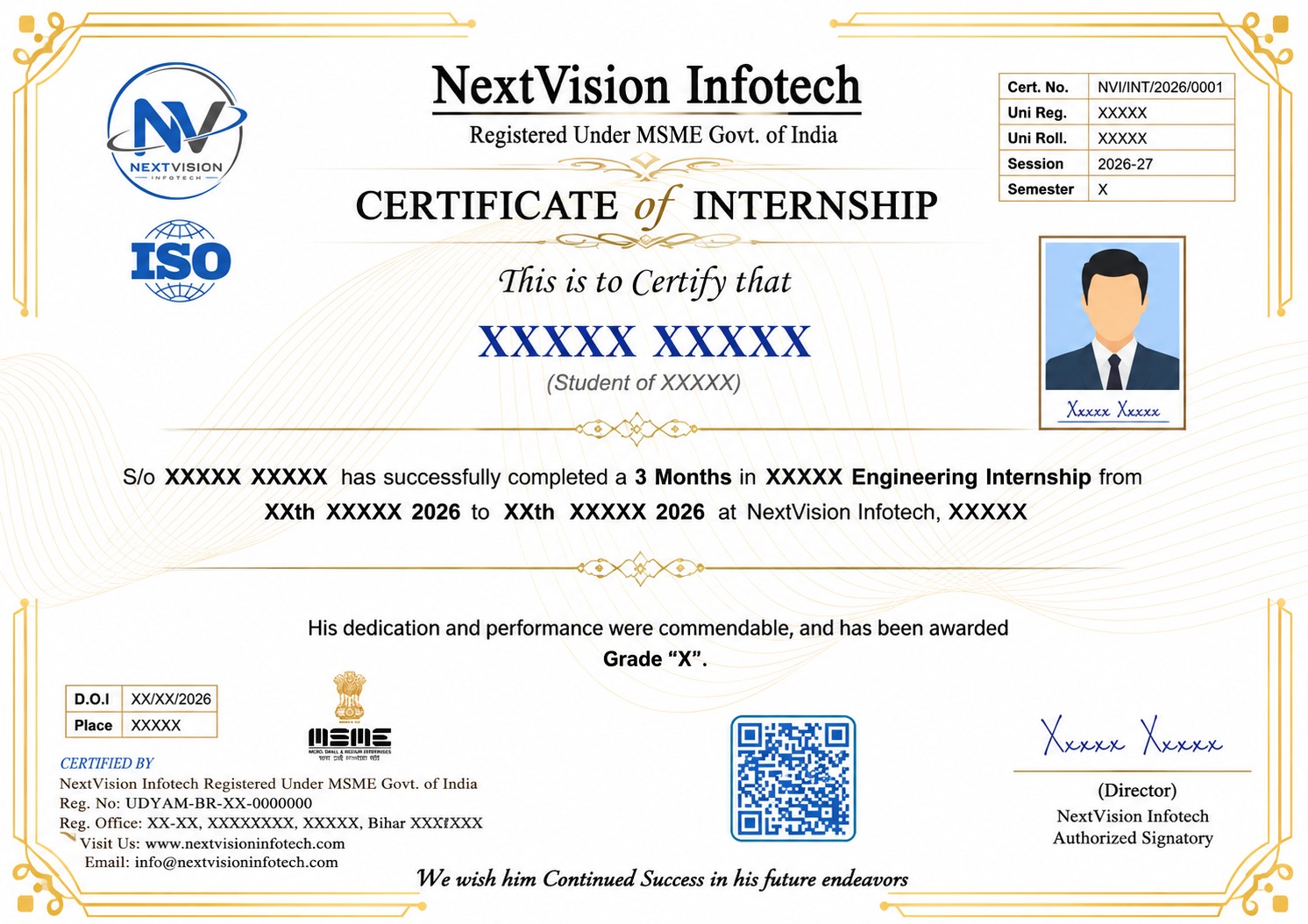
Certificate Preview
Related Internships
You might also be interested in these
Civil Engineering Internship - 1 Month
Civil Engineering Internship in Patna Bihar - 1 Month ₹...
Civil Engineering Industrial Training - 3 Months
Civil Engineering Industrial Training in Patna Bihar -...
AutoCAD Civil Internship - 1 Month
AutoCAD Civil Internship in Patna Bihar - 1 Month ₹399....
Our Students Did It! 🎉 Certified & Proud
A big congratulations to our students who recently completed their courses and earned their certificates. Here's what they have to say! 🎓

Vaibhav Mainali
Internship Program
"Best decision I ever made! The teaching quality and practical training helped me land my dream job. Highly recommended! 🌟"
Payal Mourya
Internship Program
"Amazing experience! The mentors are super supportive and the course content is industry-ready. Got my certificate with confidence! 💯"

Tamanna parveen
Internship Program
"NVI Gaya changed my career path completely. Practical projects, real-world skills, and expert guidance — everything was perfect! 🚀"
Ankit Kumar
Internship Program
"Learned so much in such a short time. The internship gave me real experience and confidence to face interviews. Thank you NVI! 🙏"
Monika kumari
Course Program
"From zero to hero — that's how I feel after completing this course. The staff is friendly and always ready to help! ⭐"
Anshika
Internship Program
"Excellent learning environment with hands-on training. I got placed right after completing my course. Forever grateful! 🎓"
Ashish Kumar
Internship Program
"The best institute in Gaya for computer courses. Practical knowledge, live projects, and job-ready skills — worth every rupee! 💎"
Rama Kumari
Course Program
"Small batch sizes meant personal attention. My mentor guided me at every step. Truly a life-changing experience! ✨"
SHREEDHAR K R
Internship Program
"Best decision I ever made! The teaching quality and practical training helped me land my dream job. Highly recommended! 🌟"

Prem vardhan
Internship Program
"Amazing experience! The mentors are super supportive and the course content is industry-ready. Got my certificate with confidence! 💯"

Premanjal Sharma
Internship Program
"NVI Gaya changed my career path completely. Practical projects, real-world skills, and expert guidance — everything was perfect! 🚀"
GAURAV KUMAR PATHAK
Internship Program
"Learned so much in such a short time. The internship gave me real experience and confidence to face interviews. Thank you NVI! 🙏"
JYOTI KUMARI
Course Program
"From zero to hero — that's how I feel after completing this course. The staff is friendly and always ready to help! ⭐"
Rudra Pratap Tripathi
Internship Program
"Excellent learning environment with hands-on training. I got placed right after completing my course. Forever grateful! 🎓"
SATENDER RAM
Course Program
"The best institute in Gaya for computer courses. Practical knowledge, live projects, and job-ready skills — worth every rupee! 💎"
Our Certificate Samples
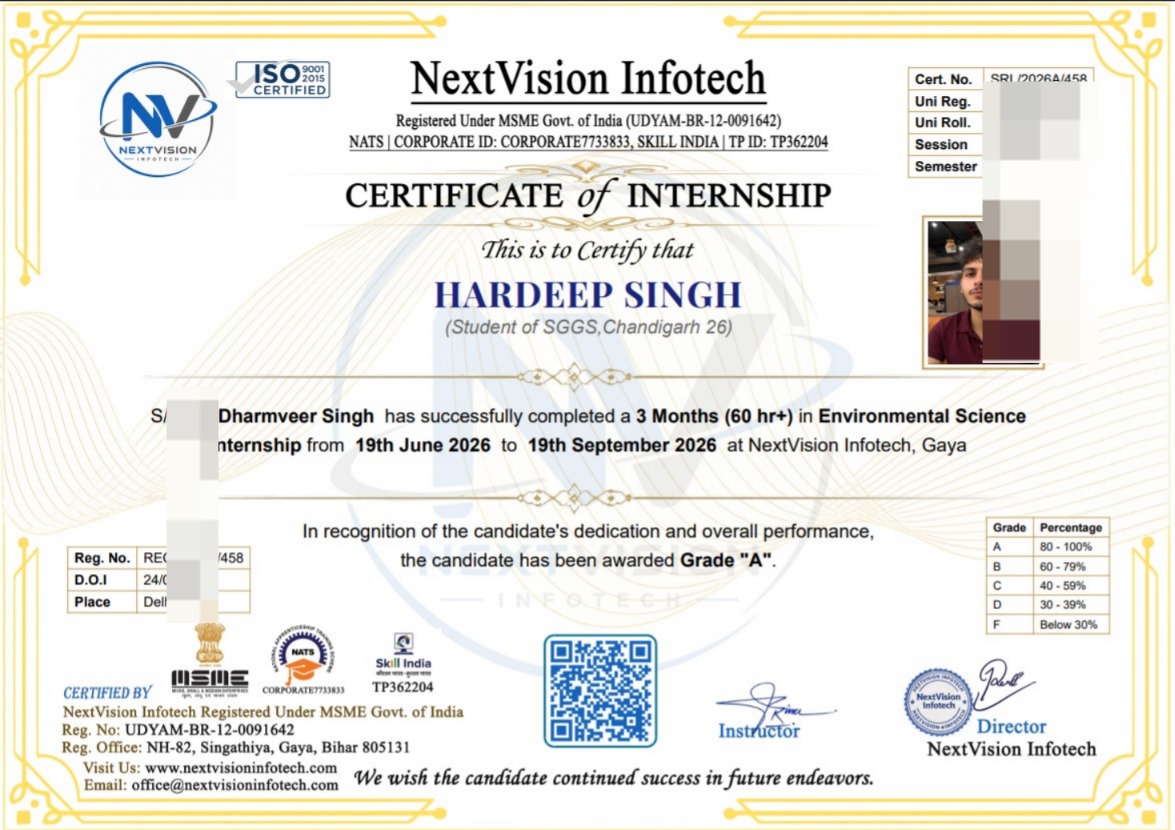
Internship Certificate
Tap to view
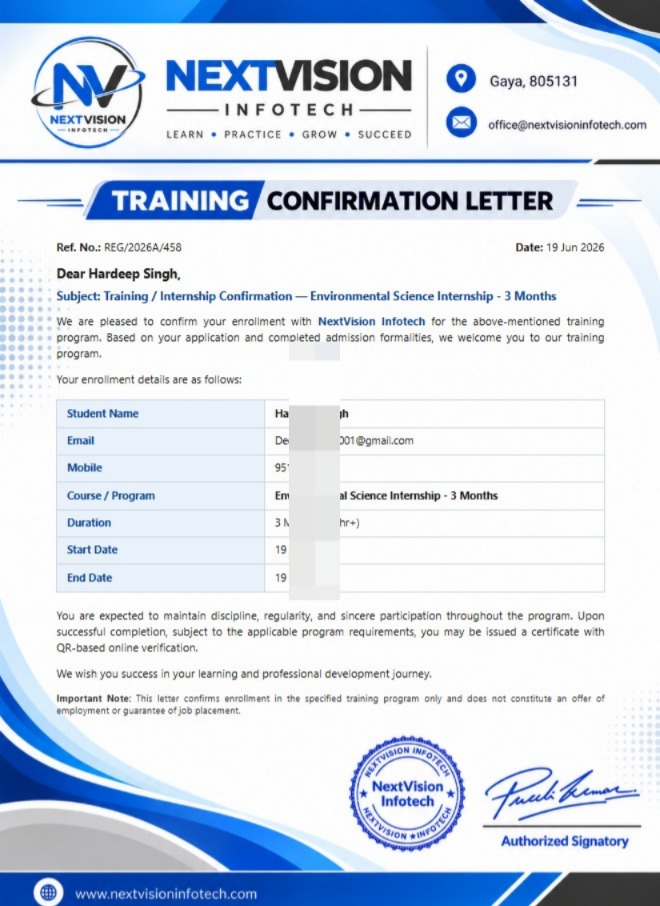
Joining Letter
Tap to view
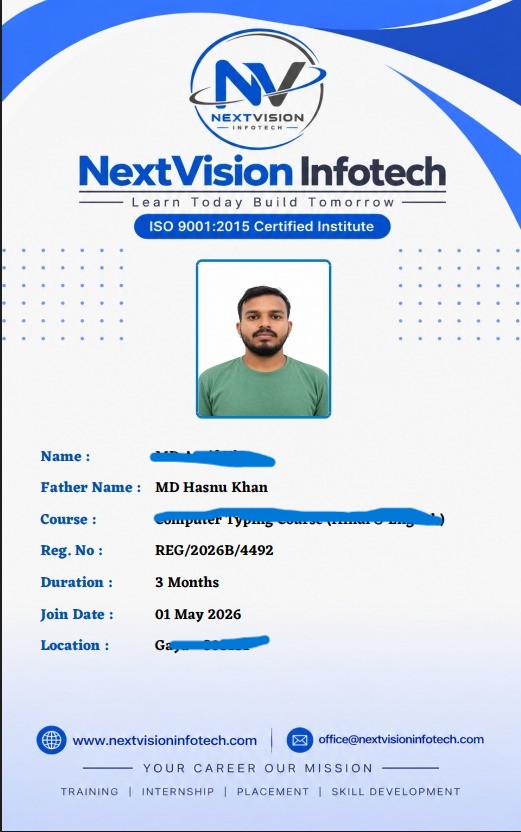
Student ID Card
Tap to view
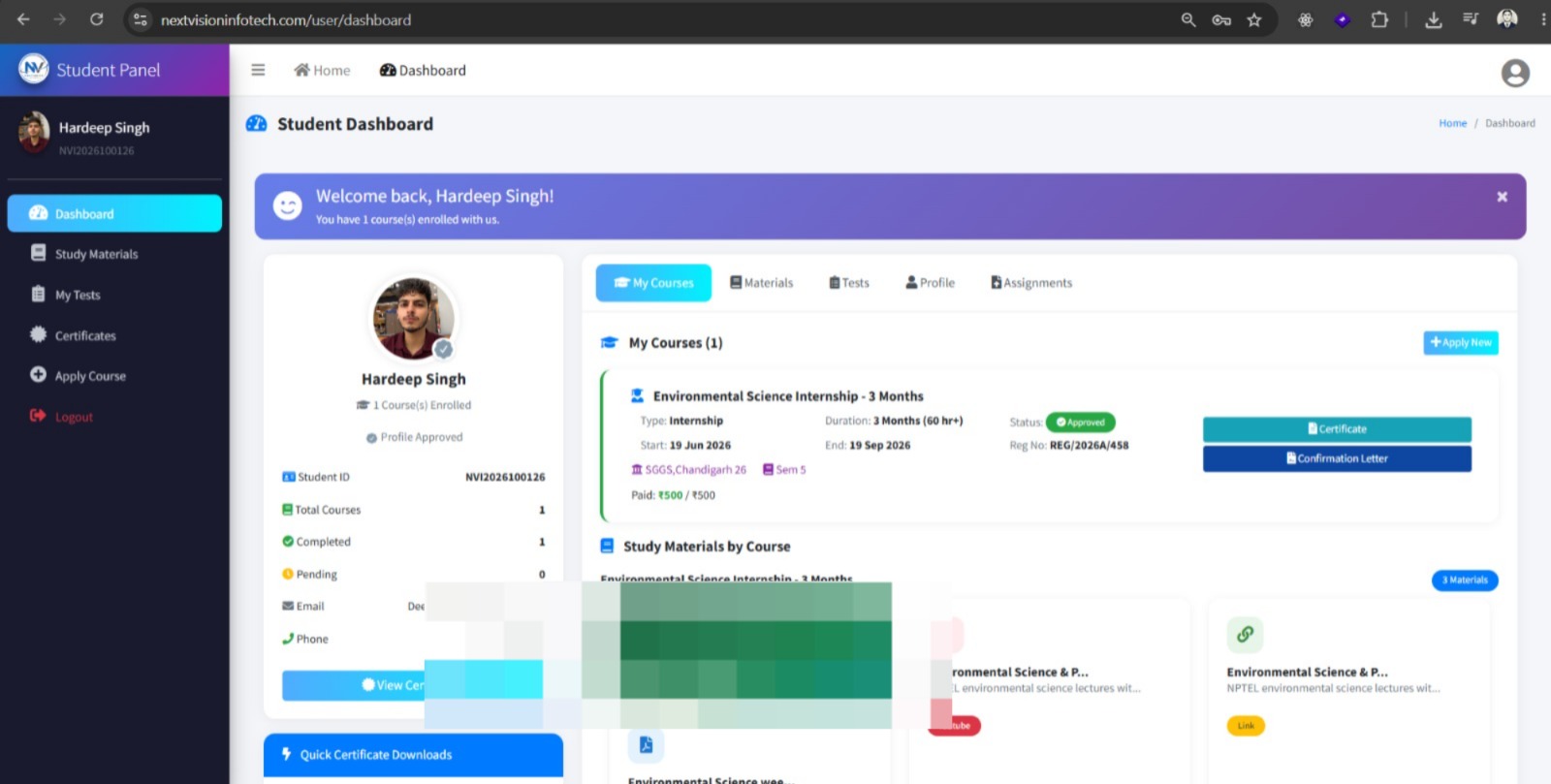
Student Panel
Tap to view
All certificates are issued by NextVision Infotech & are verifiable upon request.
Ready to Start Your Journey?
Take the first step towards your dream career with our internship programs